FOR PEOPLE WHOSE SHOULDER HURTS FROM THE MOUSE
Shoulder aching after a day on the mouse? Your employer will probably fix that. You just have to ask.
If your shoulder, wrist or forearm hurts by the end of the day, the mouse is often part of it. Your employer already pays for equipment like this. Most people never ask, because asking feels awkward. But health should come first, and we're here to help.
Tap where it hurts to start
Answer 6 questions. We write the email to your manager. You send it. Nothing to buy here, no account, no card.

THE PART THAT STOPS PEOPLE
Asking is the hard bit. It should not be.
Most people who need one never ask. Most who ask get a yes.
of requests like this are approved when the reason given is health, pain or prevention.
The approval rate is not the problem. The asking rate is. Most people never send the email, and the reason is usually the same: it felt like asking for a treat.
WHAT YOU WOULD BE ASKING FOR
A RollerMouse, and the keyboard that goes with it
The draft asks for both. If your neck is part of it, a laptop riser too.

Sits in front of the keyboard, so the reach stops.
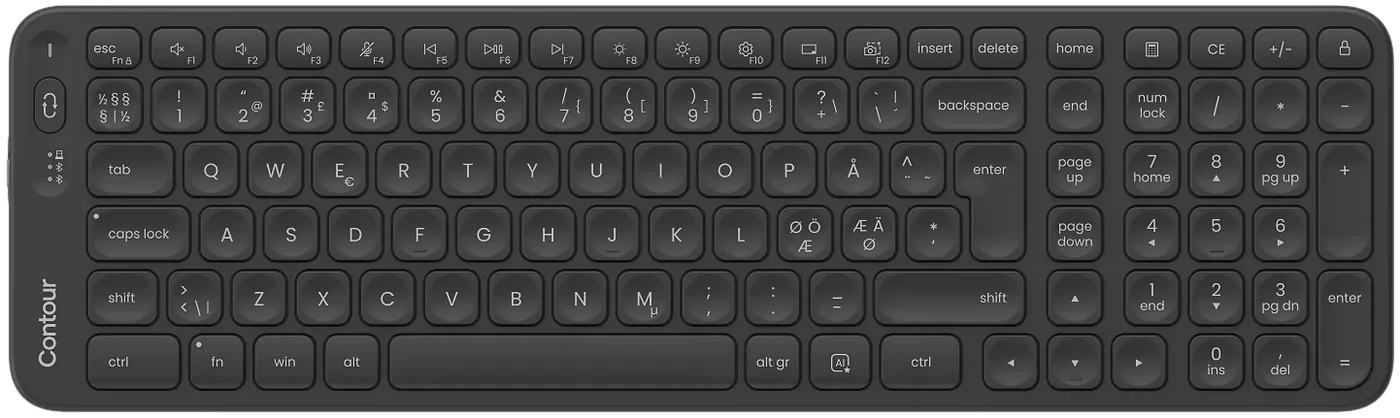
Ultra-thin and matched in height to the RollerMouse, so the two line up.
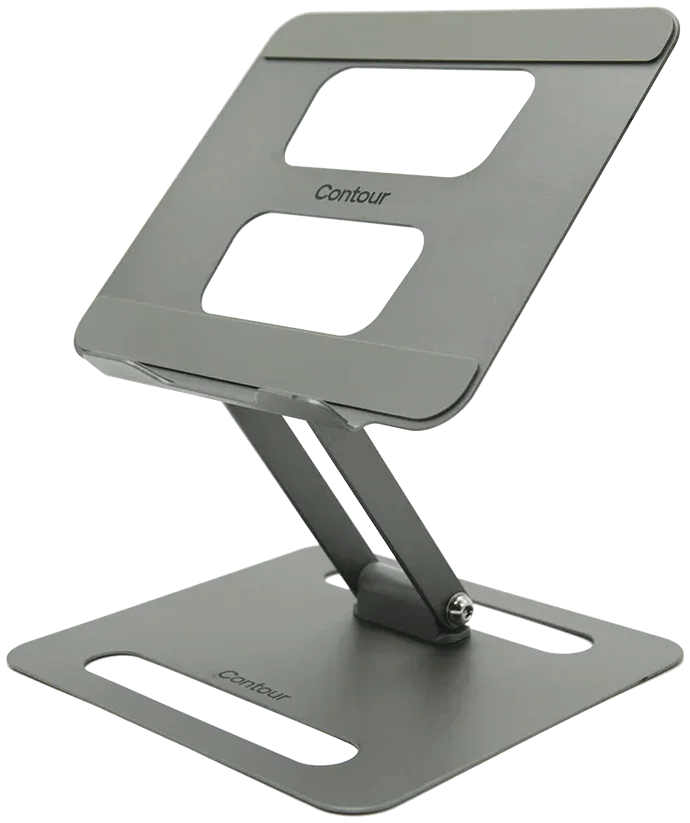
Lifts the screen to eye level, so you stop looking down.
Around 20 years ago I started getting terrible pains in my wrists and up my arms. Also in my right shoulder. … It's saved my career! Pains gone!
Now, let us write it for you
You watch the email take shape as you answer. Change any part before you send it.
Nothing to buy here. No account, no card. Nothing is sent until you press send in your own mail app.
WHAT IS ACTUALLY HAPPENING
It is not your grip, and it is not your posture. It is the reach.
A normal mouse keeps your arm out to the side all day. A centred one keeps it in front of you.
Your arm is held out to the side for hours
A normal mouse sits to the right of your keyboard. To reach it, your arm leaves your body and stays there, not high, just out, for as long as you work. Nobody notices, because no single moment of it hurts.
Small load, held for a very long time
The problem is not effort, it is duration. A muscle holding a light load 6 hours a day, 5 days a week, has little chance to recover. A stiff afternoon becomes a stiff day, then something you think about at night.
Why it takes months to notice
It comes on slowly, so almost everyone explains it away. A long week. A bad night's sleep. Getting older. Many people we hear from do that for months, sometimes years. If that sounds familiar, you are not late. You are normal.
What changes when the device moves to the middle
A centred mouse sits in front of the keyboard, where the space bar is. You use it with either hand, or both, and your arms stay in front of your body, where they already are for typing. The reach does not get easier. It stops.
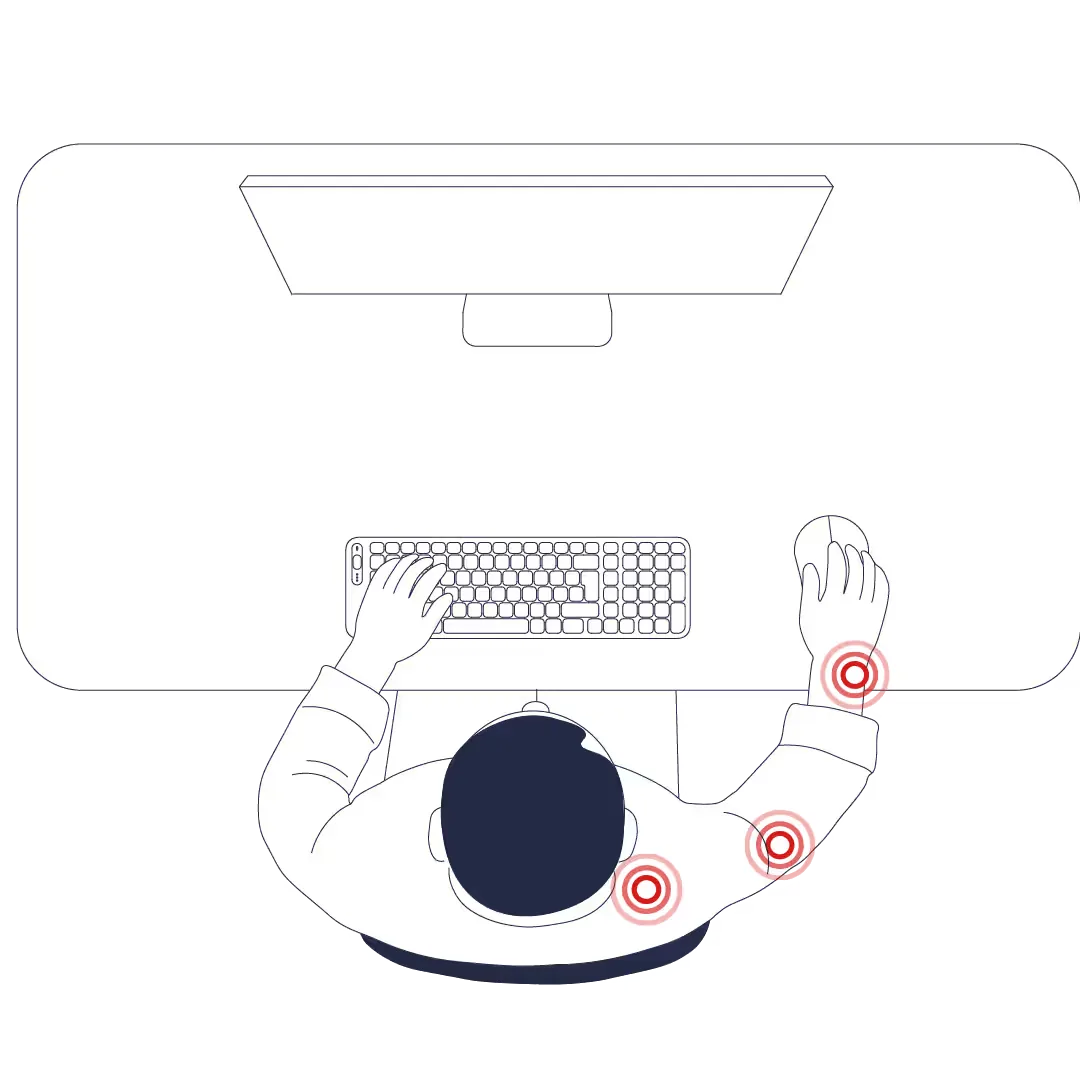
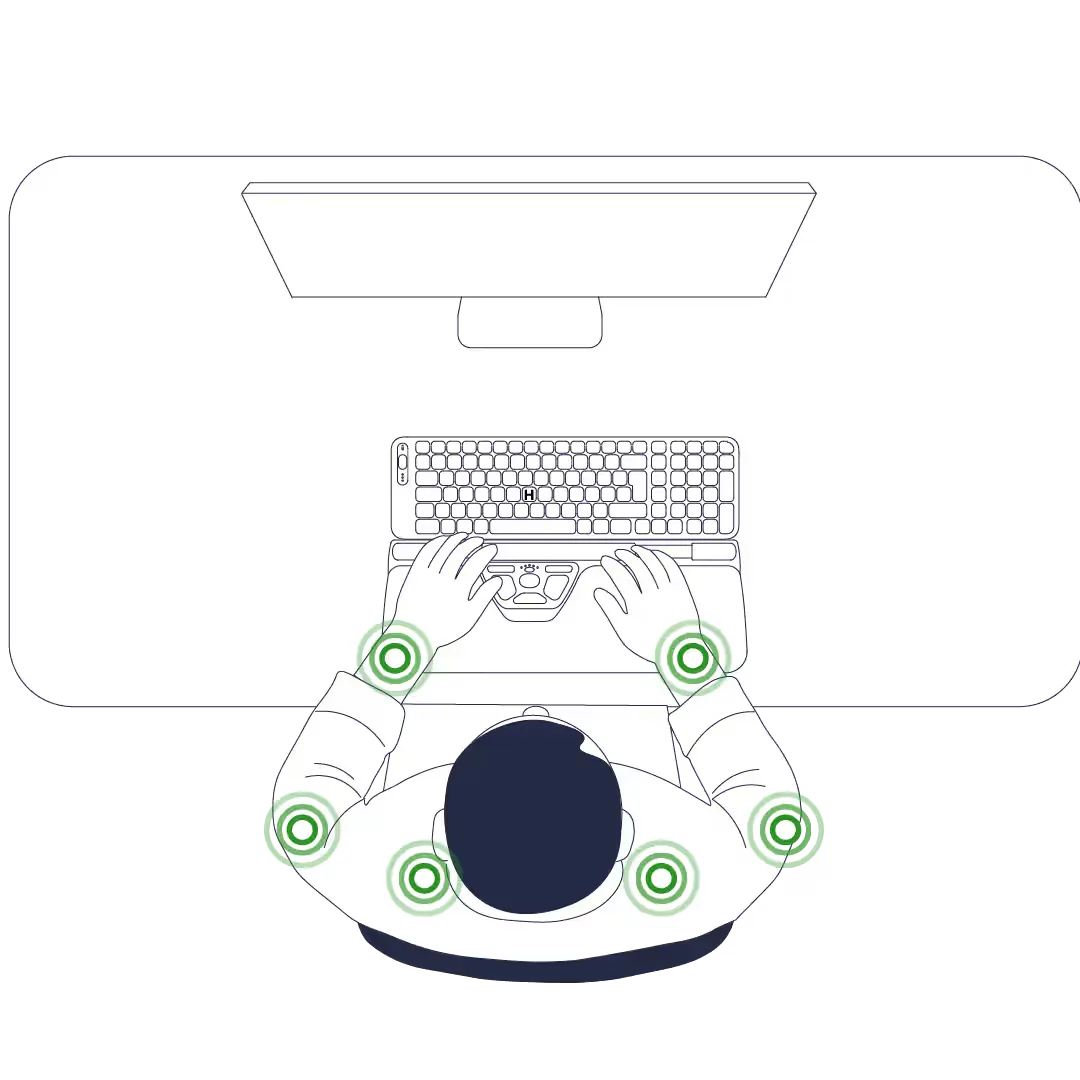
How the RollerMouse works
This has been measured, not just claimed
How far the arm moved out to the side, measured with sensors on 12 people using 4 pointing devices, including a RollerMouse Free2.
A second study, with 6 participants doing digital-pathology work, compared 10 devices across 7 muscles and found a RollerMouse produced the lowest total muscle activity of the group.
Lin, Young and Dennerlein, Applied Ergonomics 47, 2015. Alcaraz-Mateos and others, Revista Española de Patología, 2022. Both peer reviewed and on PubMed.
These studies measured posture and muscle load, not whether your pain goes away. No device can promise that.
IF YOU ARE STILL HESITATING
Why it lands better than you expect
It is cheaper than the alternative
Equipment is a one-off line on a budget. Someone working slower, going part time or being signed off is not. Your manager already knows this.
It is already part of their job
In Denmark, Sweden and across the EU, employers must check how a screen workstation is set up and fix what they find. You are making that easy for them.
You are not asking for an upgrade
You are not asking for a nicer chair because you would like one. You are naming a specific problem and the specific thing that helps. That is a different conversation.
The 3 things people say when they do not send it
The worry
"I will look like a complainer."
Why it does not hold
You found a problem, worked out the cause and brought the fix. That is the opposite of complaining. The people who look difficult are the ones who say nothing for a year and then go off sick.
The worry
"I do not have a diagnosis."
Why it does not hold
You do not need one. You are describing what your body is doing and asking for different equipment, the same as asking for a chair that fits.
The worry
"It is too expensive to ask for."
Why it does not hold
It is a one-off cost. A few days off sick cost your employer more than this, and so do the hours lost to doctor and physio visits. And you are allowed to ask for something and be told no.
You will see the email before anything is sent. It goes from your address, not ours.
WHAT HAPPENS NEXT
What to expect after you press send
A quiet week is normal. We check in twice, then leave you alone.
-
Day 0You send it
From your own address. Nothing goes through us.
-
Day 5Our first check-in
One email, 3 buttons: approved, still waiting, or they said no. If it is no, we tell you what to try next.
-
Day 7Nudge, if it is quiet
Many managers reply within a working week. Many forward it to IT, HR or facilities first, which adds a few days. One short follow-up is fair.
-
Day 45Our second check-in
How is your arm, now the device has had a few weeks on your desk? Then nothing else.
If they ask something you cannot answer, reply to the check-in email and tell us what they asked. The usual ones are whether it works with the existing keyboard, whether IT has to approve it, and whether there is a cheaper version. All 3 have straightforward answers, and none of them is a no.
IF THE ANSWER IS NO
A no now is usually a no this quarter
A no is often about timing or budget, not about you. Three routes work, in this order.
Ask when the budget resets
Find out when the team's equipment budget renews and put it in the calendar for the week it does. Forward your own original email with one line on top saying the problem has not gone away. It is the same request with better timing, and it often lands better than a first ask.
Go through occupational health, HR or your safety representative
Many larger organisations have someone whose job includes workstation assessments, and many employees have no idea who it is. That person can usually authorise equipment without going through your manager's budget at all. Ask HR who handles workstation assessments. You can also go to your workplace safety representative, the arbejdsmiljørepræsentant in Denmark or the skyddsombud in Sweden, or to your union.
Buy it yourself and check whether you can claim it
Not the outcome anyone wants, but worth knowing: in several of our markets equipment bought for your own work can be claimed back, and some employers reimburse health equipment through a wellbeing allowance even when they will not approve it as IT spend. If you want to look at the range yourself, it is on our site.
No. The email has no links in it, no logo, no signature block and no product picture. It is plain text written in the first person, and you edit it before it goes. It sends from your own email account, from your own address. We never send anything on your behalf.
No, and we could not if we wanted to. When you press the button, your own mail app opens with the draft already in it. You read it, change whatever you like, and press send yourself. If your mail app does not open, you can copy the text instead.
No. Your manager's name and address are used in your browser to build the draft and are never sent to us. They are not stored, not logged and not hashed. If you ask us to check in, we keep your own work email so we can do that twice, after 5 days and after 45, and your answers to the questions, such as where it hurts.
No. You are not claiming a medical condition, you are describing a problem with equipment and asking for different equipment. If you have already seen someone about it, the draft mentions that, because it tends to help. If you have not, it does not.
There is research, and it is not ours. A team at the Harvard School of Public Health measured shoulder posture across 4 pointing devices and found a centred device roughly halved how far the arm moved out to the side compared with a standard mouse. A group at the University of Murcia compared 10 devices and found a centred mouse produced the lowest total muscle activity. Both are peer reviewed and both are on PubMed. What they measured is muscle load and posture. Neither of them, and nobody honest, can promise your pain will go away.
It is still your employer's responsibility, and in most of Europe that is explicit in the law rather than a matter of goodwill. If you move between home and the office, say so in the draft.